windows setup
customizing windows for maximum productivity and aesthetics using third party software!
here is a list of some of the software I use:
- > glazewm
- > flow launcher
- > stardock fences
- > windhawk
* click images to zoom in *
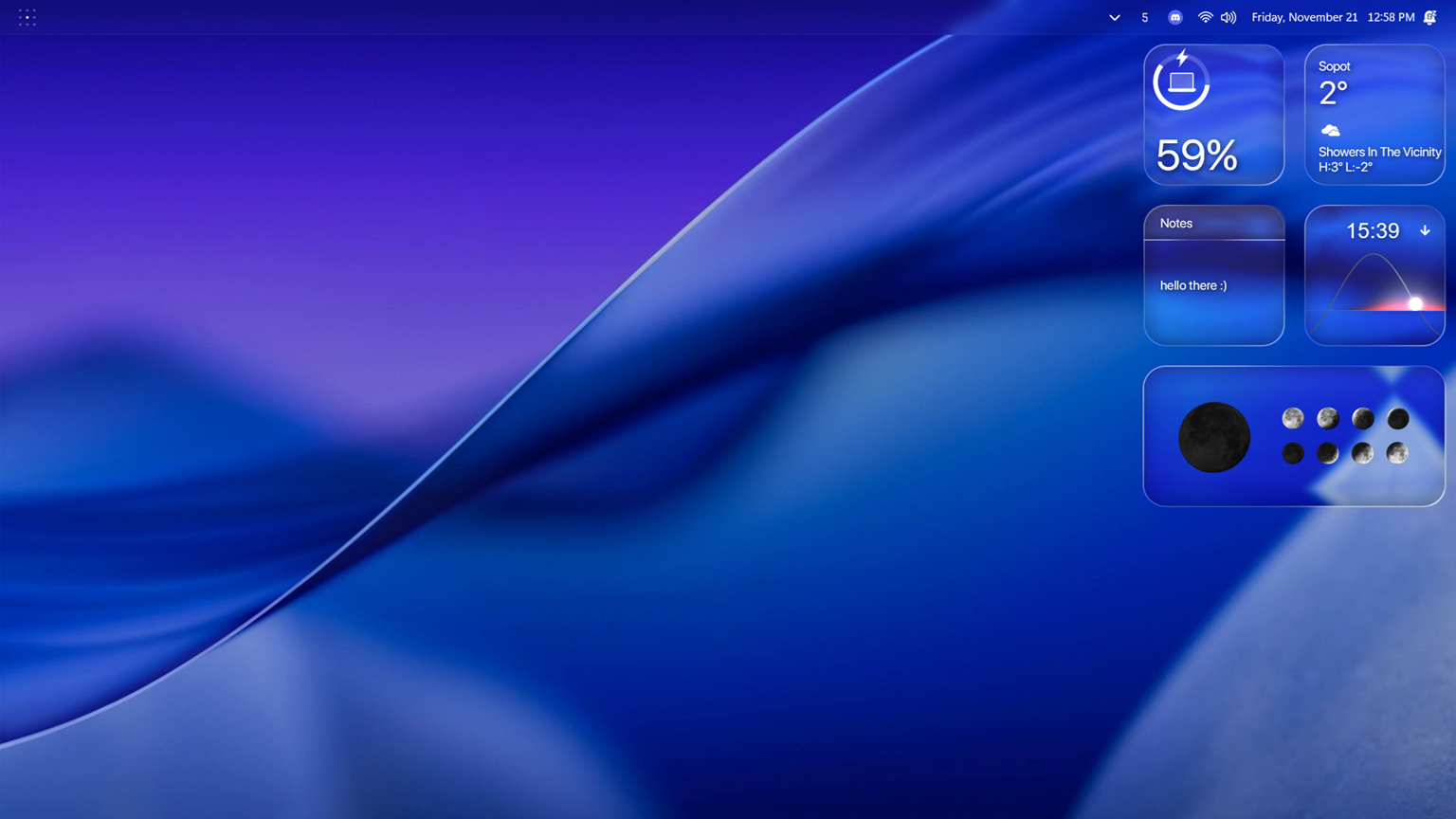 my desktop
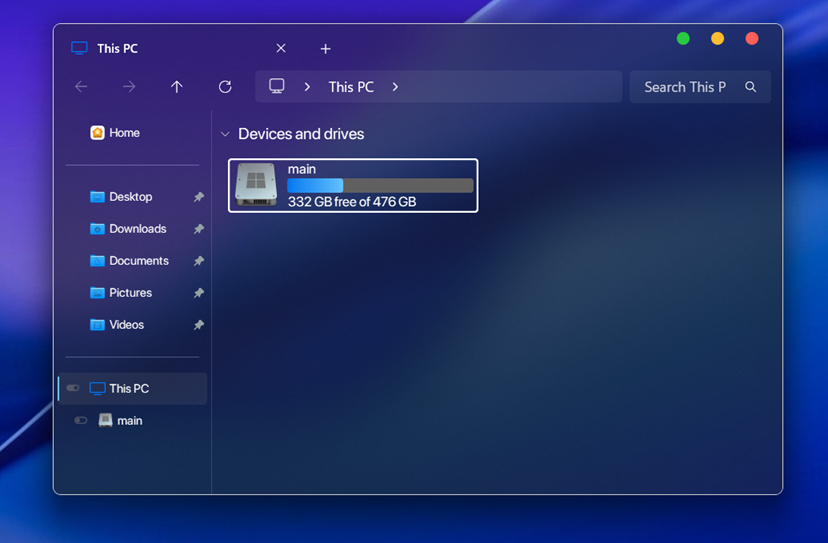 file explorer
glazewm is a tiling window manager for windows that allows me to have a more organized and productive workspace, basically turning a single monitor laptop into a 10 monitor setup!
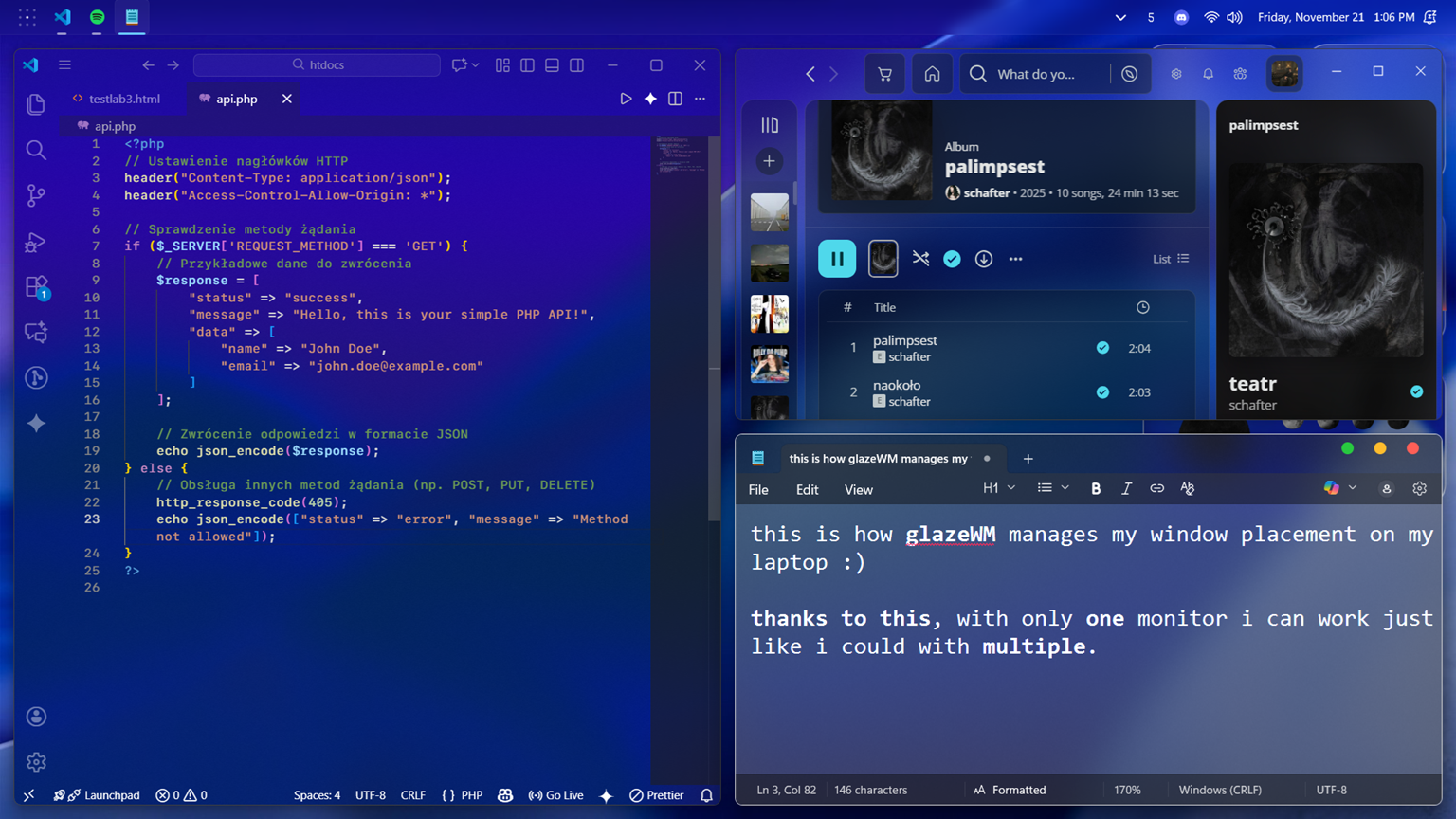 glazewm tiling
flow launcher is a fast and powerful launcher that allows me to quickly access files and applications
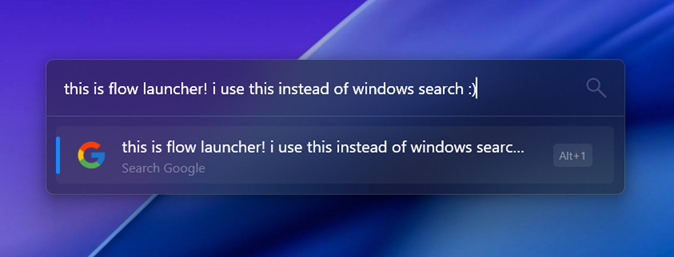 flow launcher
stardock fences allow me to hide my desktop icons whenever i don't need them and keep my desktop tidy!
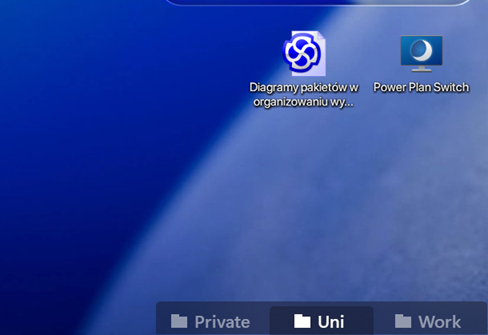 fences (rolled)
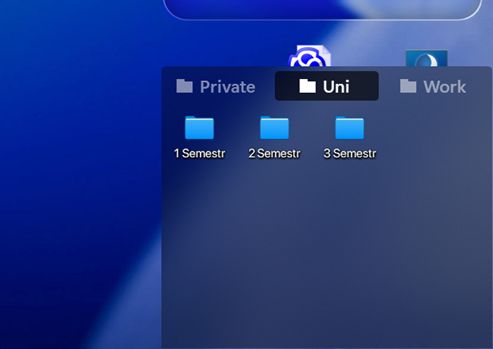 fences (unrolled)
Windhawk (about + mod list)
windhawk allows me to turn my windows desktop into a glass themed, transparent, macos 26 tahoe styled windows 11 which is stable, simple, quick, way more productive than regular windows and obviously way more pleasing to the eye :)
:: Core Mods
- Resource Redirect (macOS 26 icons by niivu)
- Translucent Windows
- UXTheme Hook
- Windows 11 File Explorer Styler
- Windows 11 Notification Center Styler
- Windows 11 Start Menu Styler
- Windows 11 Taskbar Styler
- Taskbar Clock Customization
- CEF/Spotify Tweaks (no auto-updates)
- No Focus Rectangle
- Slick Window Arrangement
- Taskbar Volume Control
:: System Tweaks
- Better file sizes in Explorer details
- Open With - Remove MS Store Menu Item
- Customize Windows notifications placement
- Dark mode context menus
- Disable grouping on the taskbar
- Fix Darkmode ListViews
- Taskbar height and icon size
- Taskbar on top for Windows 11
- Taskbar tray icon spacing and grid
- Taskbar tray system icon tweaks